Connection Messages
Connection Messages: Licences
Each workstation needs an active licence. These messages come from the licence check Computle runs when you connect. None of them is about your device.
This machine’s licence isn’t active
Section titled “This machine’s licence isn’t active”What you see
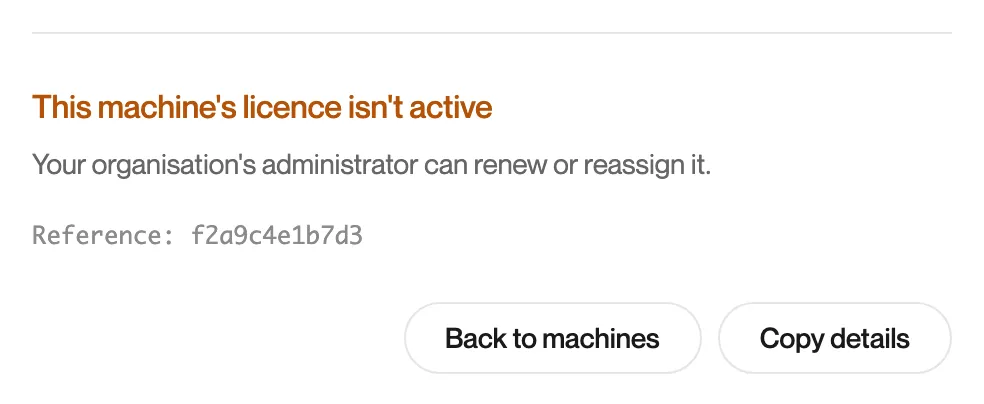
“This machine’s licence isn’t active. Your organisation’s administrator can renew or reassign it.”
What it means
The workstation’s licence has ended or is not valid. Only your administrator can change a licence, so Try again is not offered. If a licence ends during a session, Remotle returns to the machine list and shows this message.
What to do
- Ask your administrator to renew the licence or move one to this workstation in the Computle portal.
- Connect again once they confirm.
This machine isn’t licensed yet
Section titled “This machine isn’t licensed yet”What you see
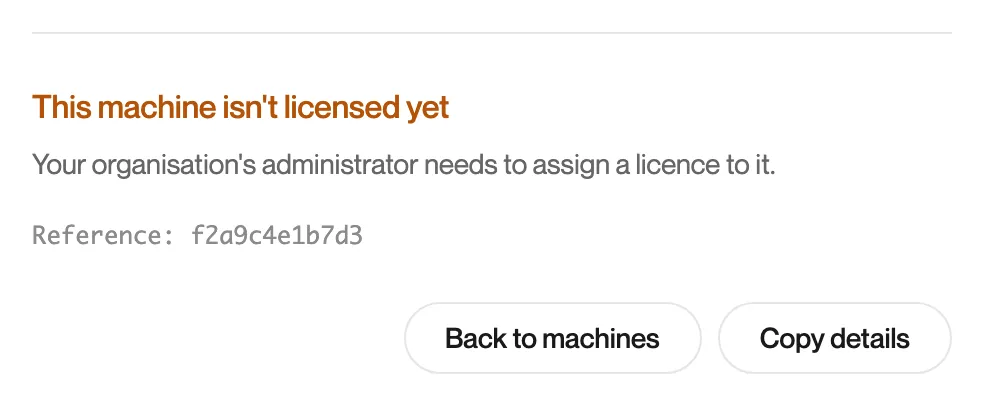
“This machine isn’t licensed yet. Your organisation’s administrator needs to assign a licence to it.”
What it means
No licence has been assigned to this workstation.
What to do
- Ask your administrator to assign a licence to the workstation.
- Connect again once they confirm.
Couldn’t check this machine’s licence
Section titled “Couldn’t check this machine’s licence”What you see
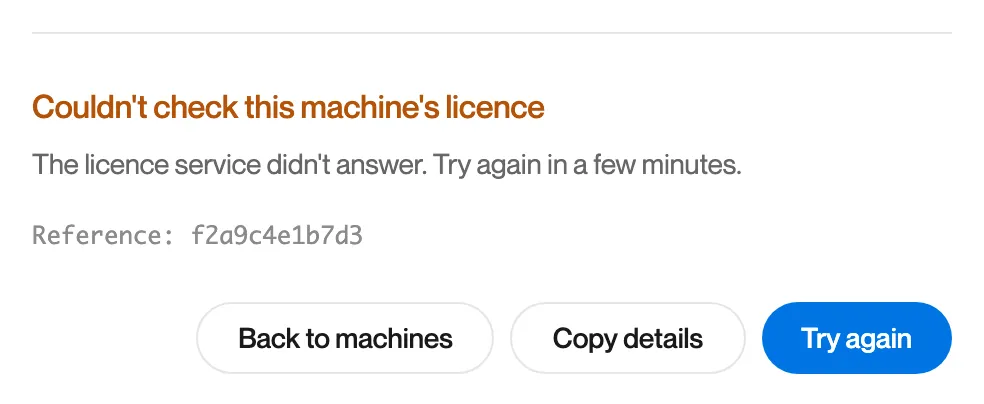
“Couldn’t check this machine’s licence. The licence service didn’t answer. Try again in a few minutes.”
What it means
Computle could not confirm the licence in time. The licence itself may be fine.
What to do
- Wait a few minutes and click Try again.
- If it continues, click Copy details and contact Computle support.