The Session Menu
Session Menu: Camera
The Camera tab chooses which of this device’s cameras and microphone appear on your workstation.
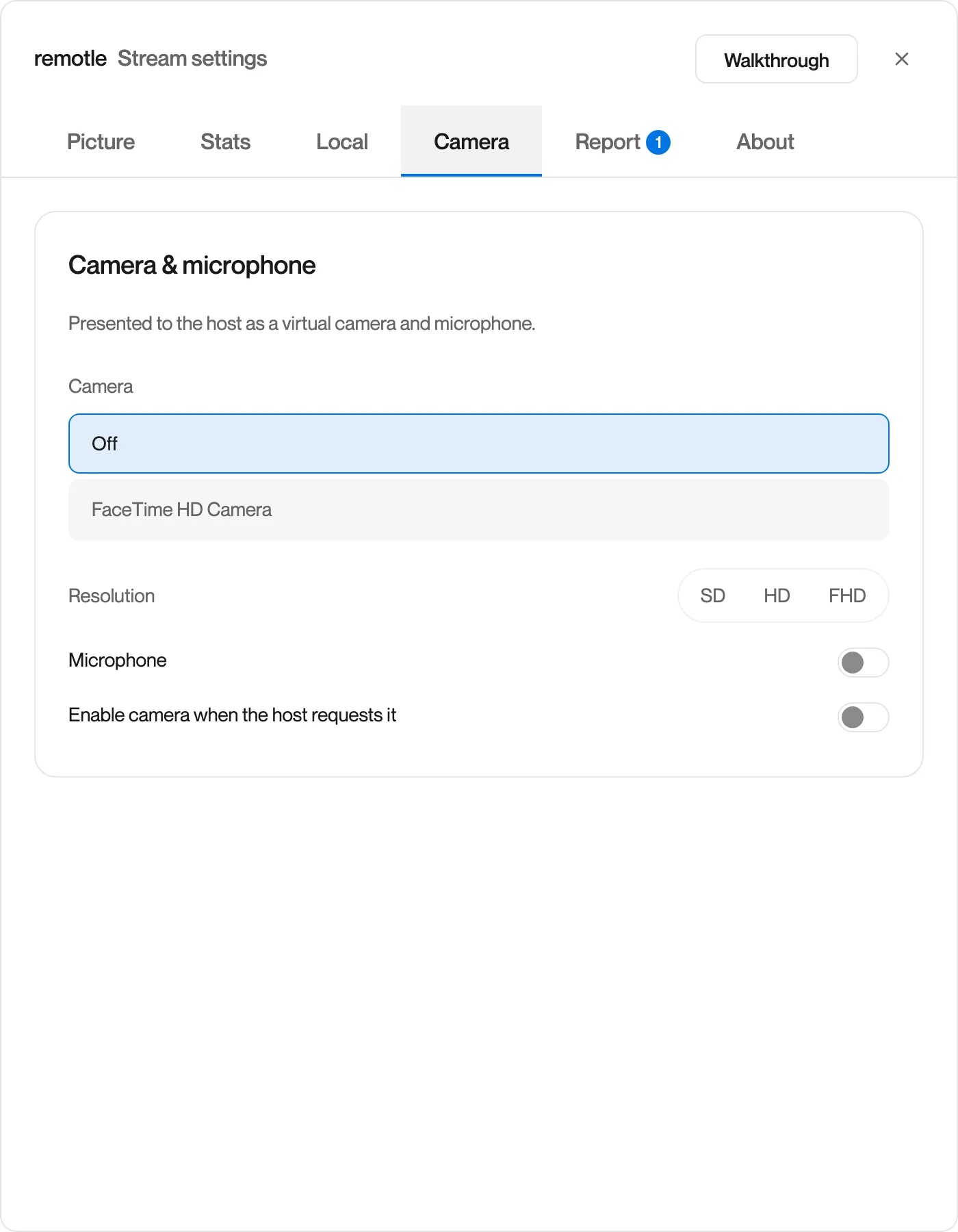
| Setting | Options | What it does |
|---|---|---|
| Camera | Off, or one of this device’s cameras | Which camera appears on your workstation as Computle Camera |
| Resolution | SD, HD, FHD | The size of the camera picture sent to your workstation |
| Microphone | On or off | Whether this device’s microphone appears on your workstation as Computle Virtual Microphone |
| Enable camera when the host requests it | On or off | Lets an application on your workstation switch your camera on when it starts a call or a recording, and off when it stops |
See Sound, Camera and Microphone.