Connection Messages
Connection Messages: Your Sign-In and Access
These messages appear on the connect screen when the connection stops at Authorising because of your sign-in or your access to the workstation.
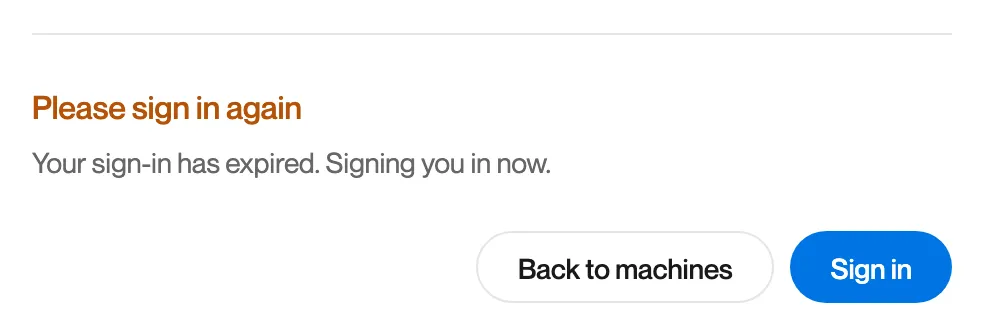
Please sign in again
Section titled “Please sign in again”What you see
“Please sign in again. Your sign-in has expired. Signing you in now.”
What it means
Your sign-in to Remotle has run out. Remotle renews it by itself.
What to do
- Wait a moment. Remotle signs you in again and returns to your machines.
- If it does not, click Sign in. The Microsoft or Apple sign-in opens in your browser.
- Connect again.
Machine not assigned
Section titled “Machine not assigned”What you see
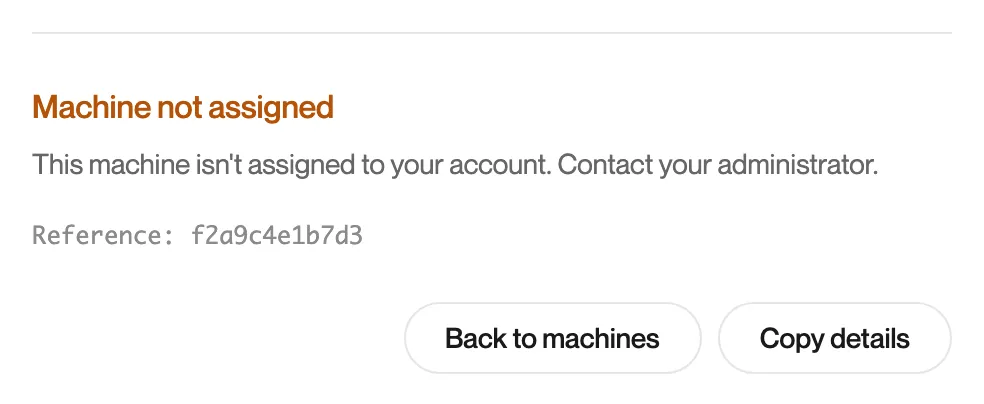
“Machine not assigned. This machine isn’t assigned to your account. Contact your administrator.”
What it means
The workstation is no longer assigned to your account in the Computle portal. There is no Try again, because only your administrator can change this.
What to do
- Click Back to machines. If the workstation has gone from your list, the assignment was removed.
- Ask your administrator to assign the workstation to you. See Assigning Workstations.
Connection not authorised
Section titled “Connection not authorised”What you see
“Connection not authorised. This connection isn’t authorised. Contact your administrator.”
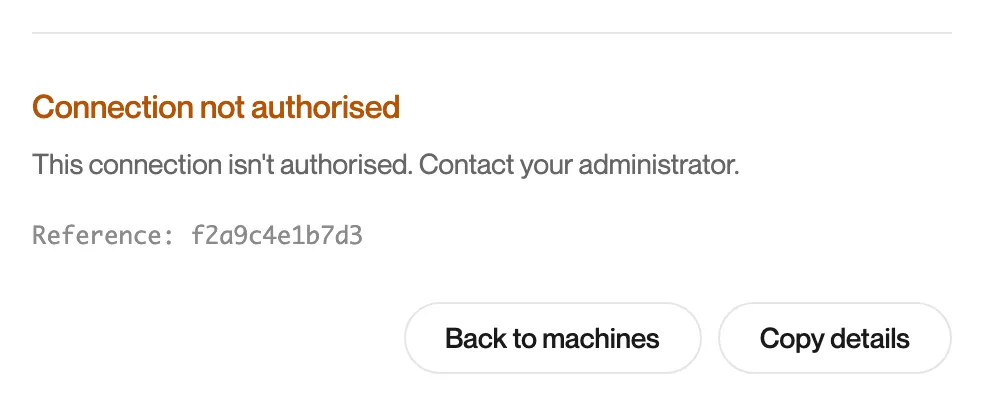
The same message can also appear at the Connecting step, when the workstation does not accept the authorisation Computle issued. It then shows a reference for support.
What it means
Computle refused to authorise this connection for your account, or the workstation did not accept the authorisation it was given. Trying again would give the same answer, so no Try again is offered.
What to do
- Click Copy details.
- Contact your administrator and paste the details.
Machine assignment problem
Section titled “Machine assignment problem”What you see
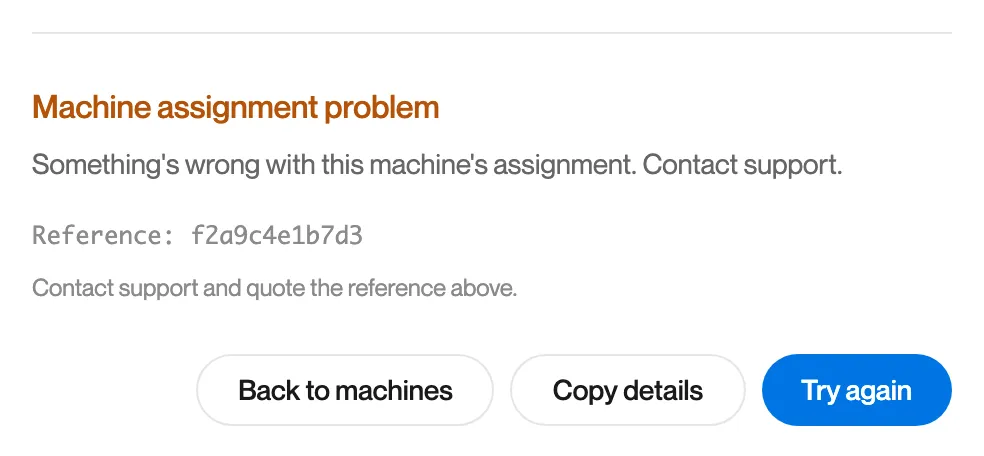
“Machine assignment problem. Something’s wrong with this machine’s assignment. Contact support.”
What it means
The workstation Remotle was sent to does not match the workstation in your assignment, or the workstation belongs to a different organisation from the one you signed in to. Remotle stopped before connecting.
What to do
- Click Copy details.
- Contact Computle support and paste the details, including the reference.