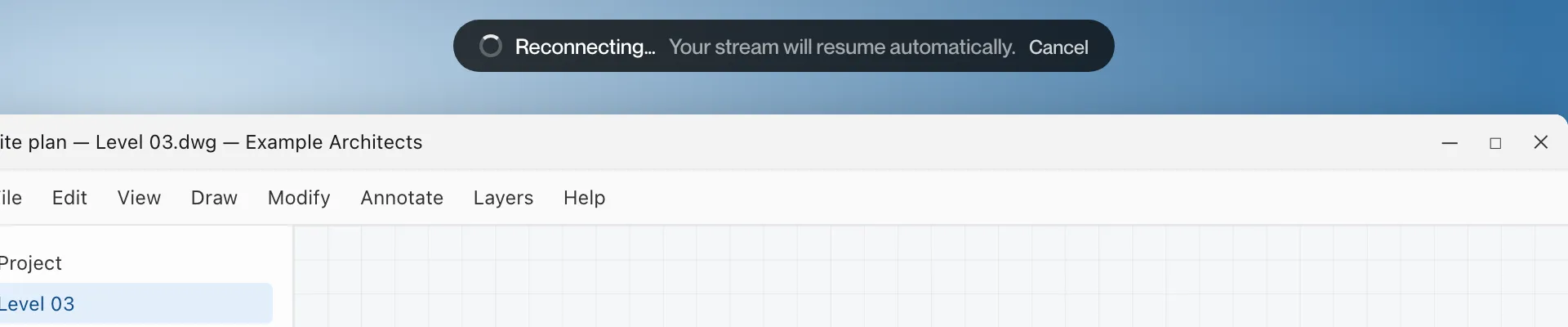
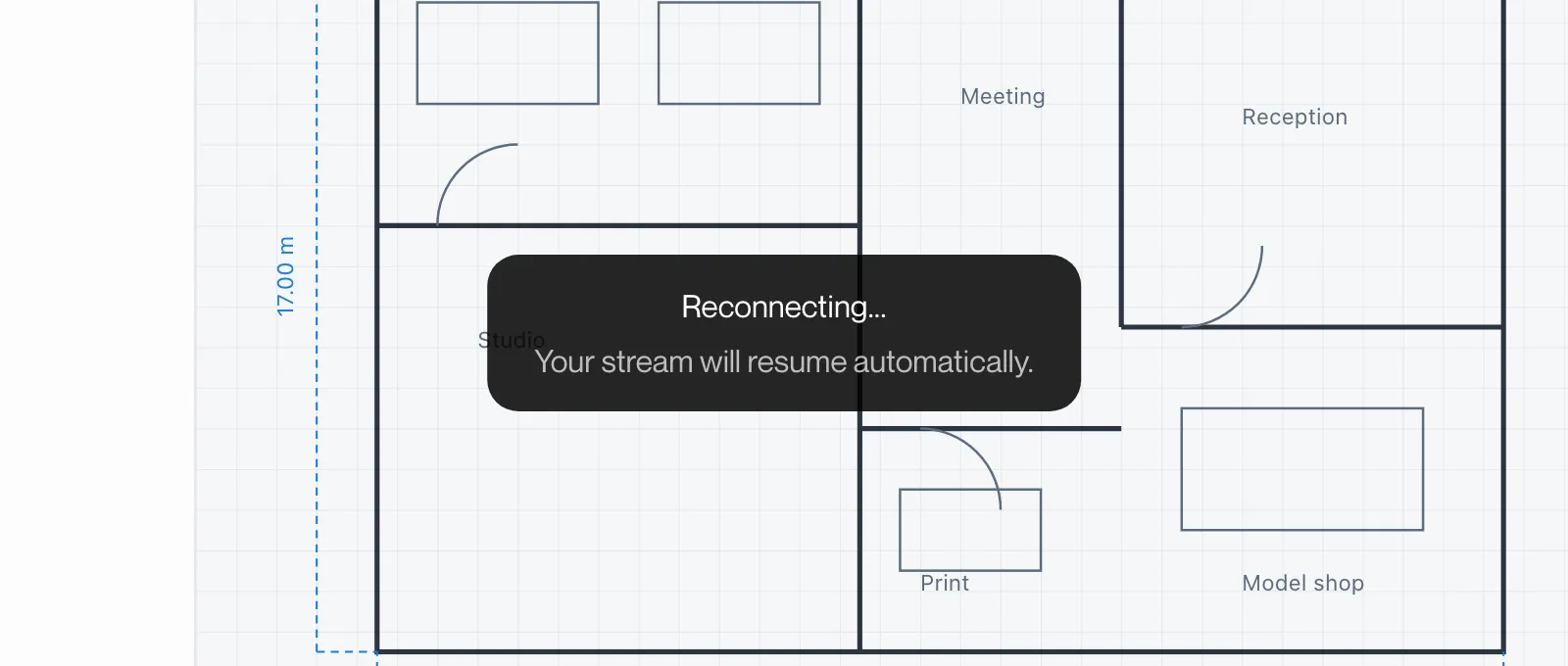
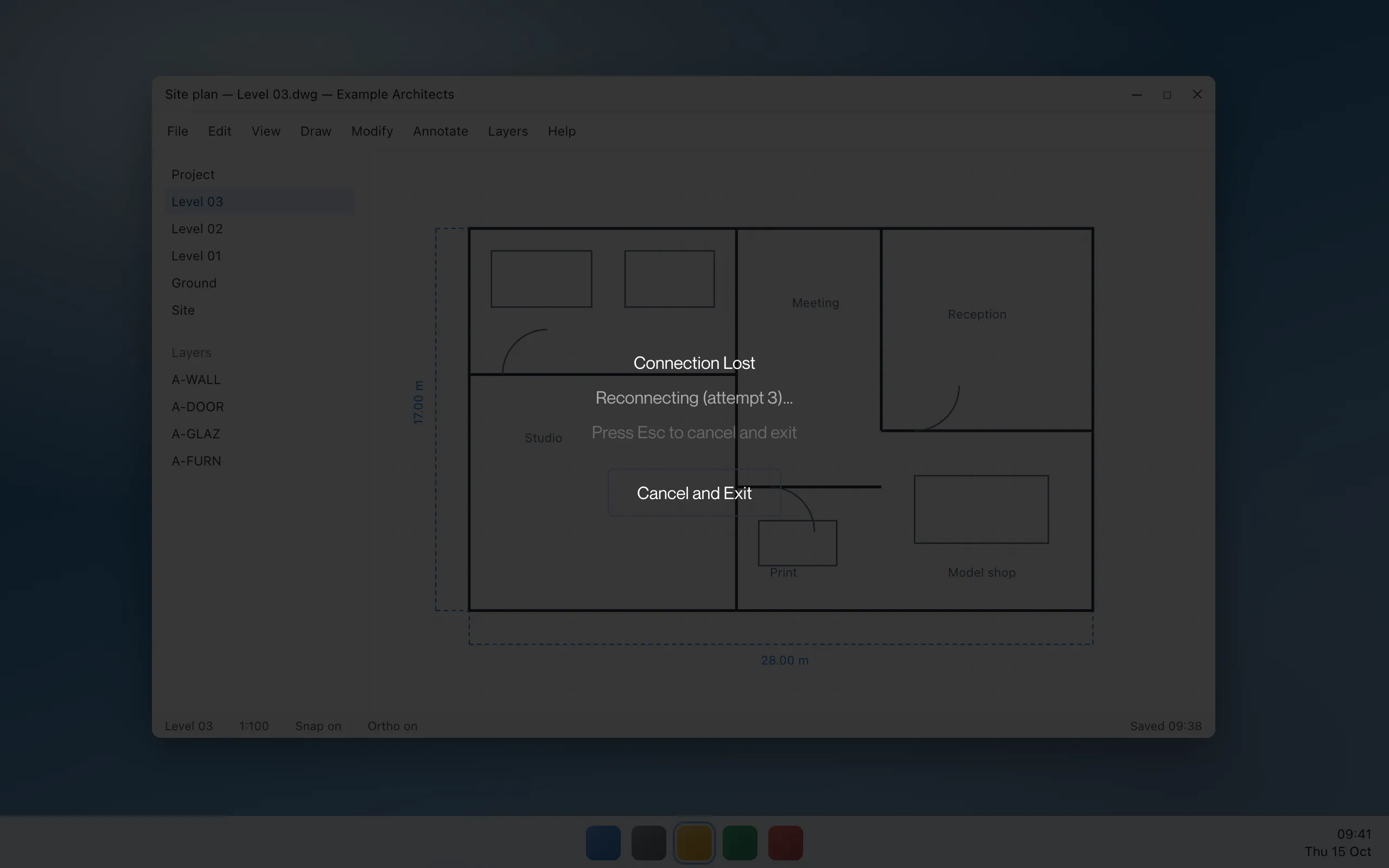
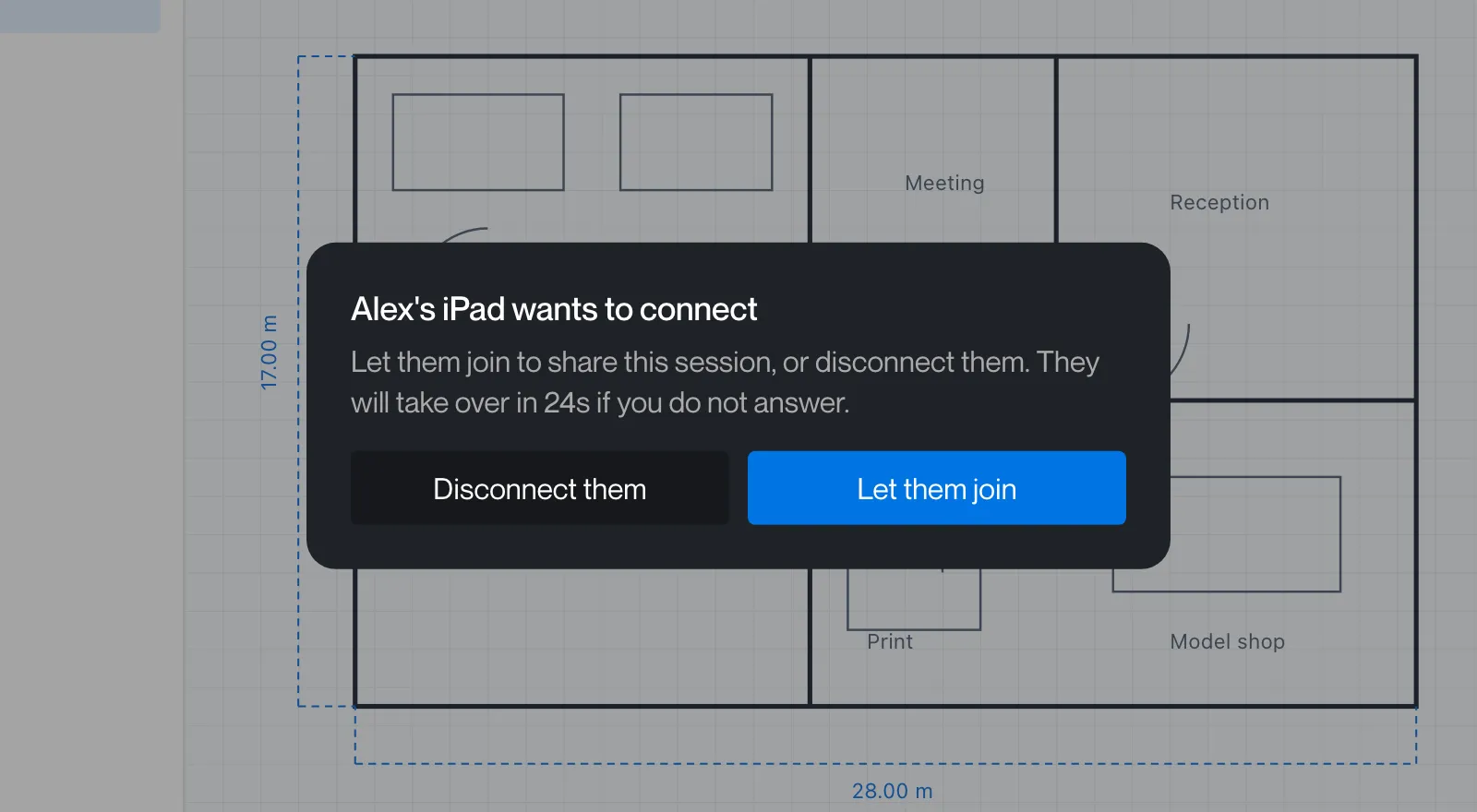
These messages appear over the picture while you are connected. They are drawn by the Remotle app itself, so the exact look differs between Windows, Mac, Linux and iPad, and the wording differs in places. Each entry on the pages below quotes the text for each platform where they differ and shows the message as it appears.
Status while the session continues: signing in, the picture stopping, a licence notice, sound and graphics notices. On Windows it is a dark box; on Mac and iPad it is a pill with a spinner. You can keep working under it.
A box in the middle of the picture.
Windows shows this while it waits for the workstation to answer. The picture behind it is the last one received.
The whole picture dimmed.
Windows dims the picture when the connection has been lost or the session has ended. A Cancel and Exit button is offered.
A dialog with buttons.
Shown when Remotle needs an answer, for example when another device wants to connect. Input does not reach the workstation while it is open.