In-Session Messages
In-Session Messages: Another Device Connecting
These appear when a second device connects to a workstation that is in use. Each one is a dialog in the middle of the picture with a countdown, and your typing does not reach the workstation while it is open. For how to choose, see Moving Between Devices and Sharing.
Someone wants to connect
Section titled “Someone wants to connect”What you see
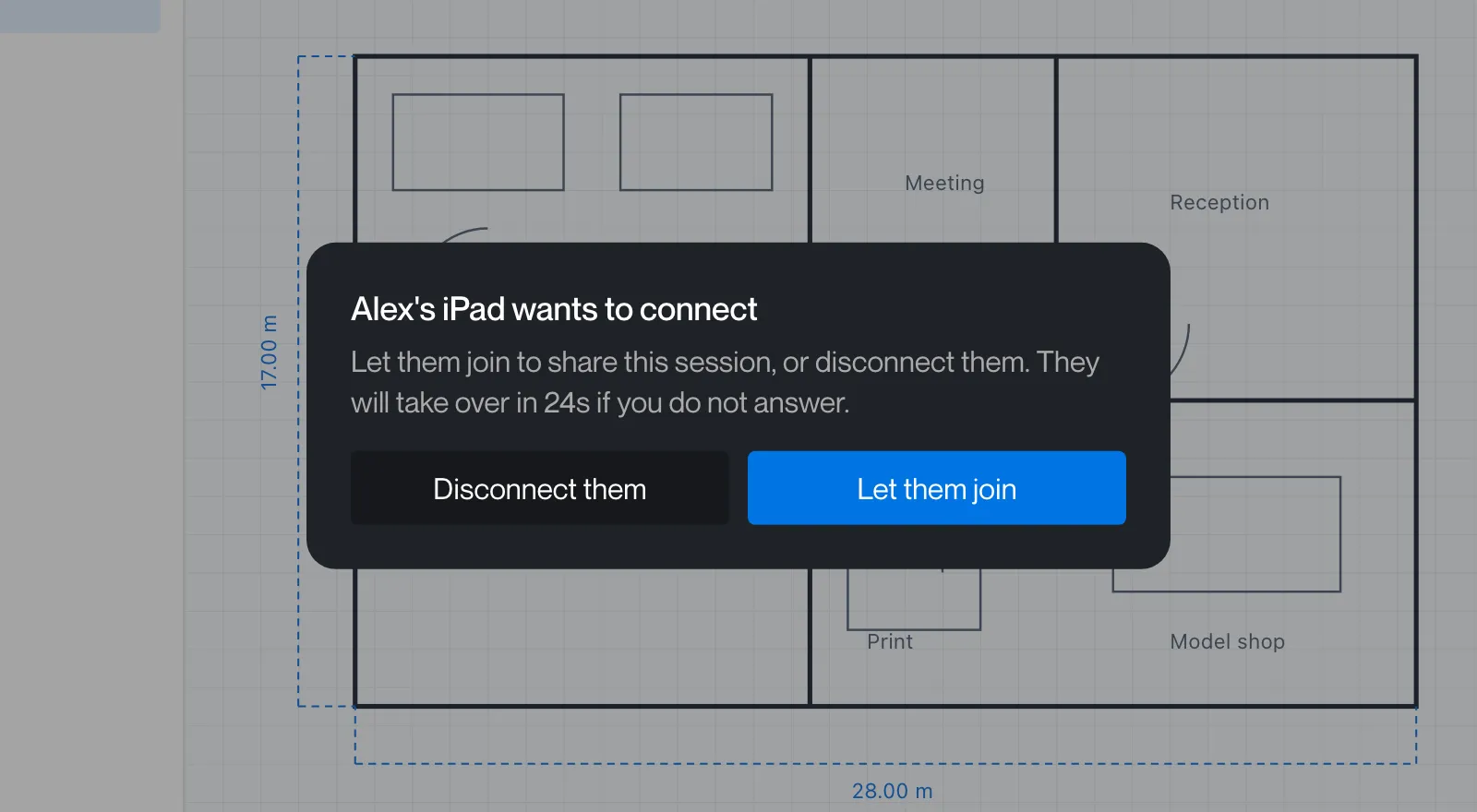
The person already connected sees “[Device] wants to connect” with “Let them join to share this session, or disconnect them. They will take over in Ns if you do not answer.” and the buttons Disconnect them and Let them join. When the device has no name, Remotle says “Another device”.
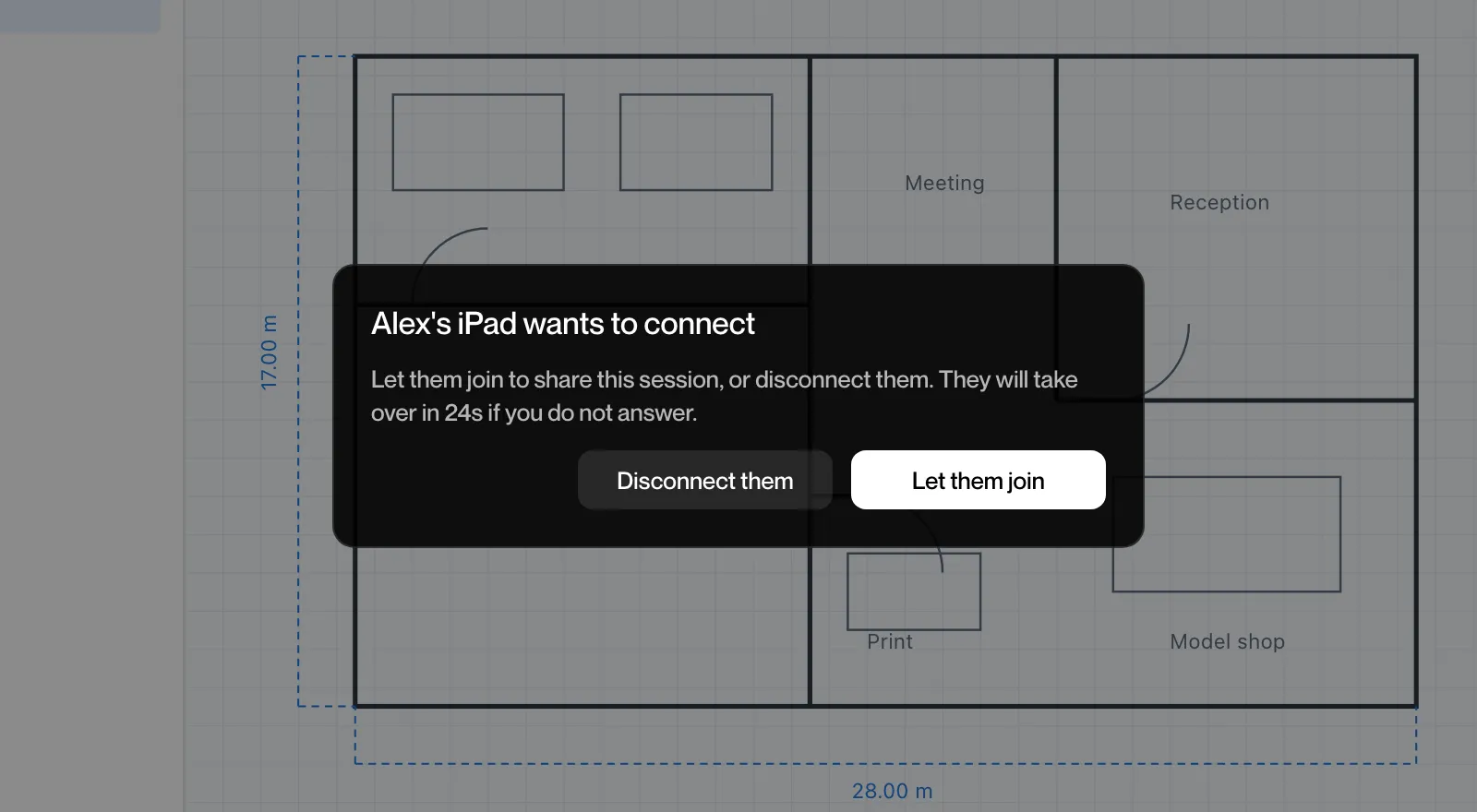
On a Mac the same dialog is drawn in black with white buttons.
What to do
Click Let them join to share the session, or Disconnect them to keep it to yourself. If you do nothing, the other device takes over when the countdown ends.
This machine is in use
Section titled “This machine is in use”What you see
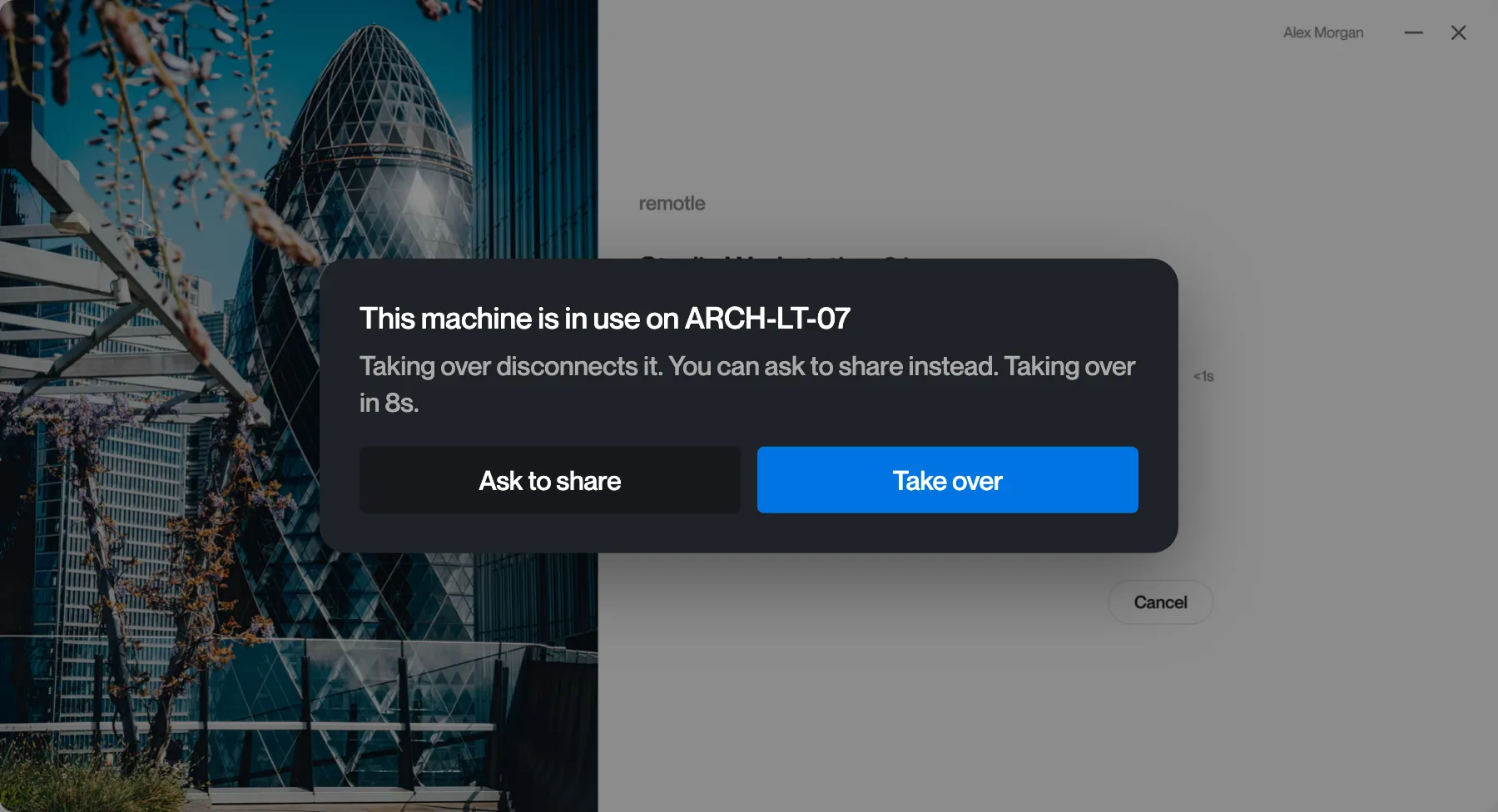
The person connecting sees “This machine is in use on [device]” with “Taking over disconnects it. You can ask to share instead. Taking over in Ns.” and the buttons Ask to share and Take over.
What to do
Click Take over to disconnect the other device, or Ask to share to let the person using it decide. If you do nothing, you take over when the countdown ends.
Waiting for the other user
Section titled “Waiting for the other user”What you see
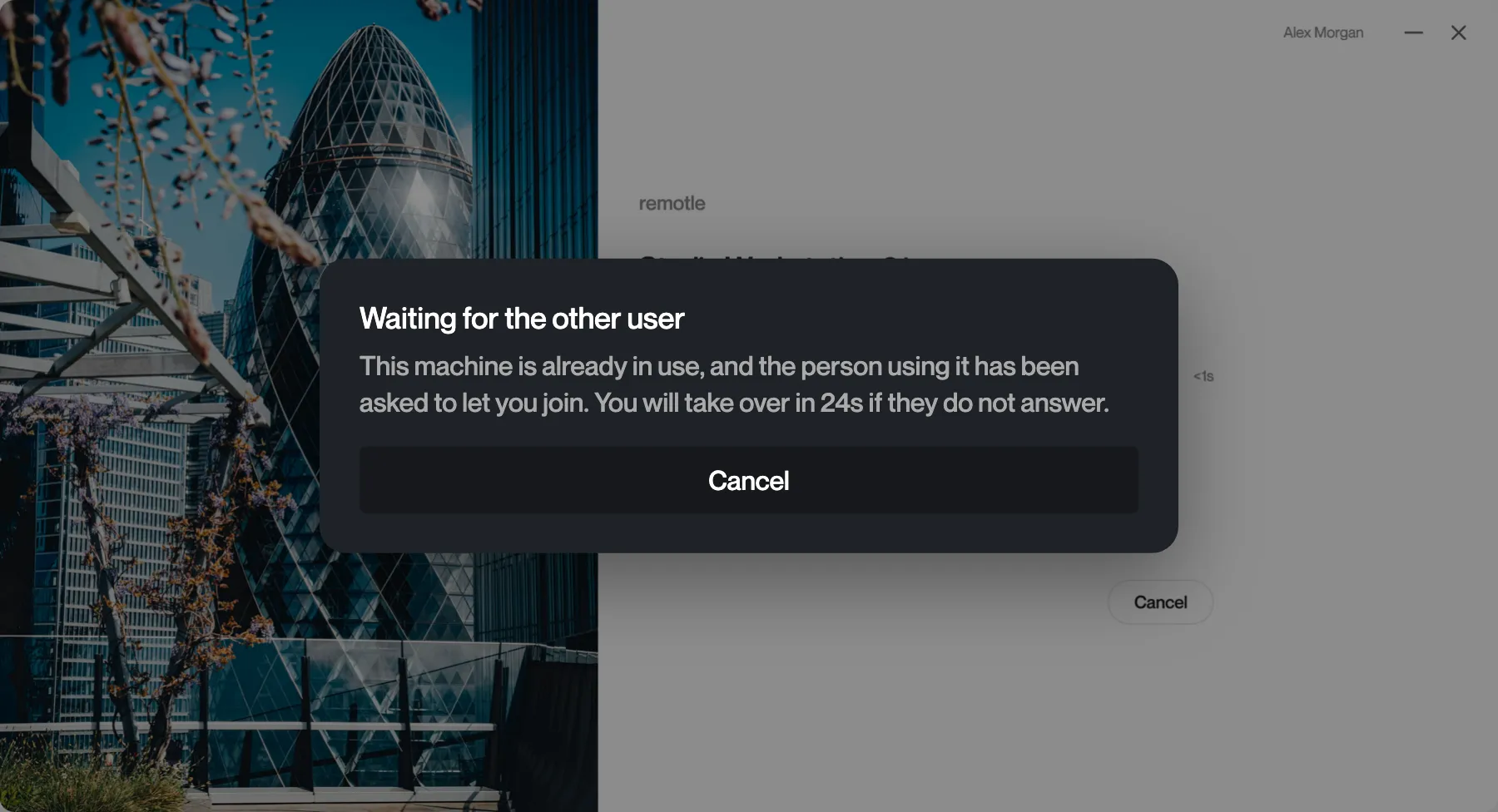
After Ask to share, the person connecting sees “Waiting for the other user” with “This machine is already in use, and the person using it has been asked to let you join. You will take over in Ns if they do not answer.” and a Cancel button.
What to do
Wait for the other person to answer, or click Cancel to return to your machines. If they do not answer, you take over when the countdown ends.