Connection Messages
Connection Messages: Messages That Ask You to Try Again
These share the title “Couldn’t connect” (or “Too many attempts”). Each one means the connection stopped at a point where a new attempt usually goes through, so each offers Try again.
Couldn’t connect to this machine
Section titled “Couldn’t connect to this machine”What you see
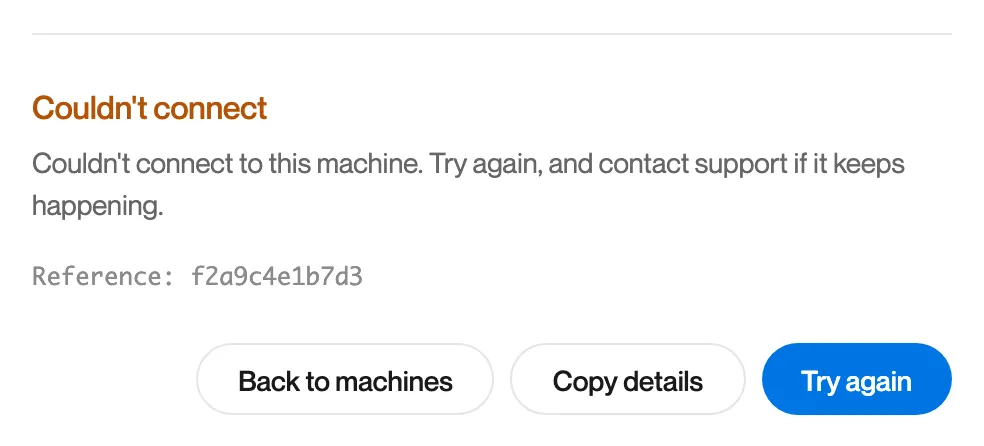
“Couldn’t connect. Couldn’t connect to this machine. Try again, and contact support if it keeps happening.”
What it means
The connection did not complete, and Remotle did not establish a more specific cause.
What to do
- Click Try again.
- If it repeats, click Copy details and report it from the app. See Reporting a Problem.
The connection didn’t complete in time
Section titled “The connection didn’t complete in time”What you see
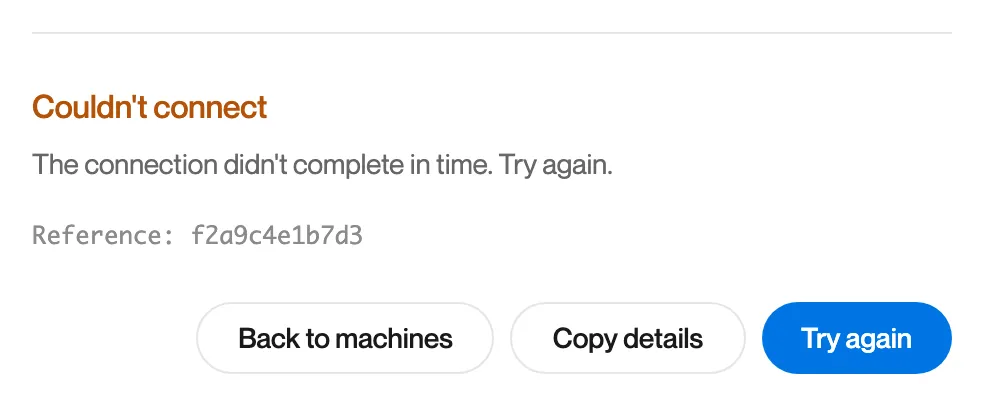
“Couldn’t connect. The connection didn’t complete in time. Try again.”
What it means
A step of the connection took longer than Remotle allows.
What to do
Click Try again.
The connection to Computle timed out
Section titled “The connection to Computle timed out”What you see
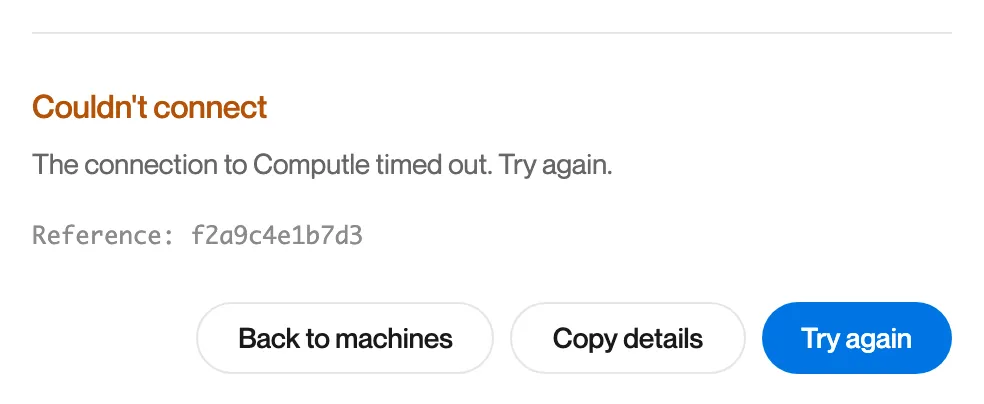
“Couldn’t connect. The connection to Computle timed out. Try again.”
What it means
Computle did not answer the authorisation in time.
What to do
Click Try again.
Computle is moving your connection to another server
Section titled “Computle is moving your connection to another server”What you see
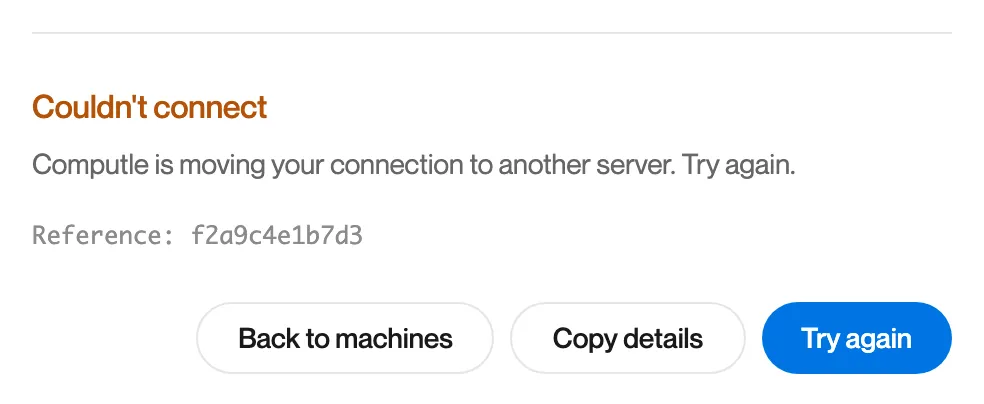
“Couldn’t connect. Computle is moving your connection to another server. Try again.”
What it means
The server that took your connection is handing its connections to another one.
What to do
Click Try again. The new attempt goes to another server.
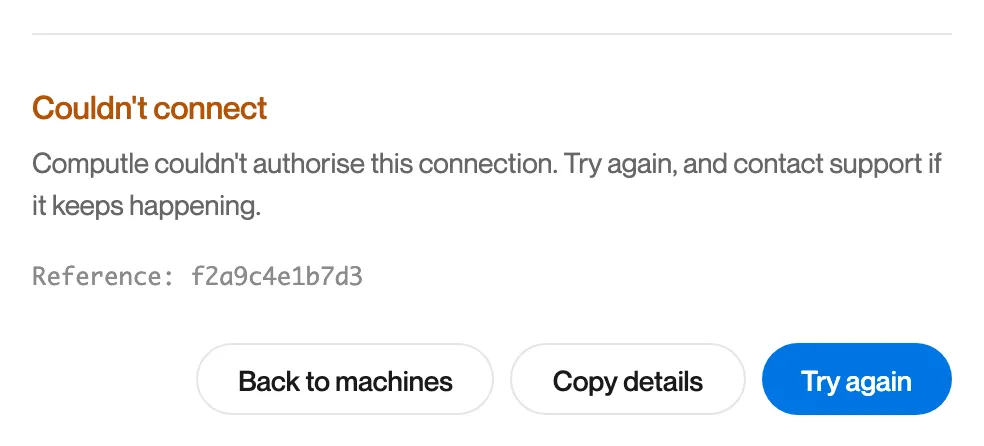
Computle couldn’t authorise this connection
Section titled “Computle couldn’t authorise this connection”What you see
“Couldn’t connect. Computle couldn’t authorise this connection. Try again, and contact support if it keeps happening.”
What it means
The authorisation service did not answer.
What to do
- Click Try again.
- If it repeats, click Copy details and contact Computle support.
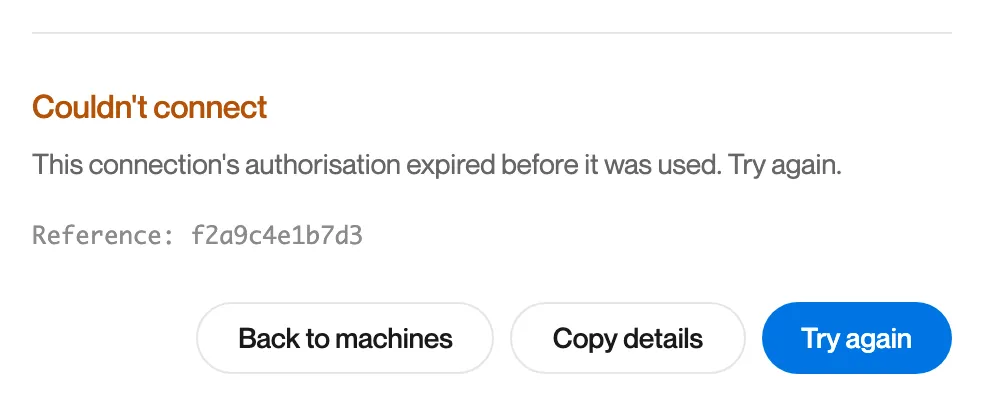
This connection’s authorisation expired before it was used
Section titled “This connection’s authorisation expired before it was used”What you see
“Couldn’t connect. This connection’s authorisation expired before it was used. Try again.”
What it means
The one-time authorisation for this connection ran out before the connection used it.
What to do
Click Try again.
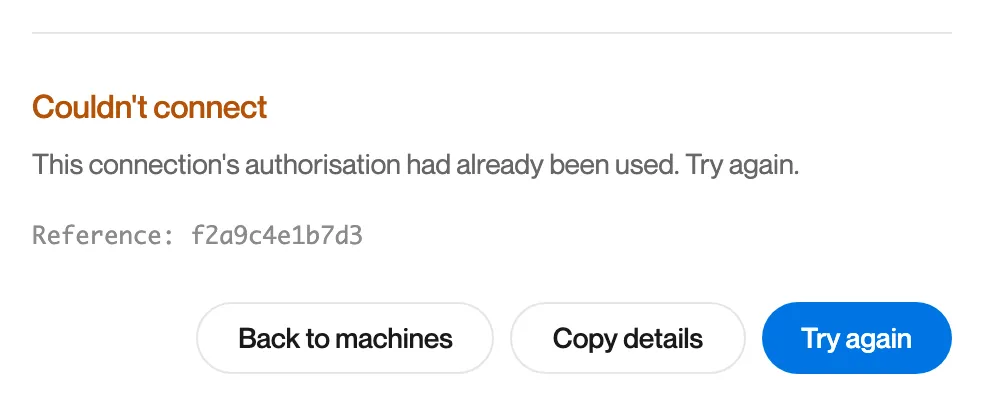
This connection’s authorisation had already been used
Section titled “This connection’s authorisation had already been used”What you see
“Couldn’t connect. This connection’s authorisation had already been used. Try again.”
What it means
The one-time authorisation for this connection had already been presented.
What to do
Click Try again.
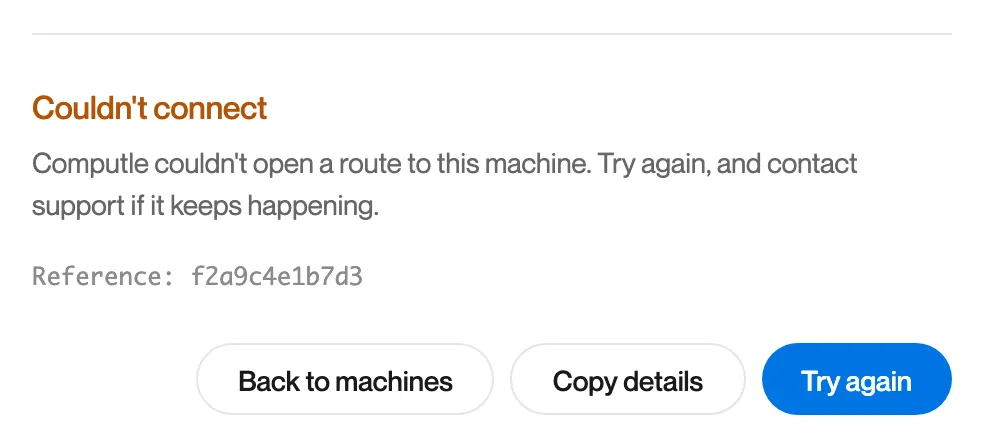
Computle couldn’t open a route to this machine
Section titled “Computle couldn’t open a route to this machine”What you see
“Couldn’t connect. Computle couldn’t open a route to this machine. Try again, and contact support if it keeps happening.”
What it means
Neither a direct path nor a relay path to the workstation could be opened.
What to do
- Click Try again.
- If it repeats, run Diagnostics. If Relays or STUN shows “No reply”, outbound UDP is blocked on this network; see Network Requirements.
Too many attempts
Section titled “Too many attempts”What you see
“Too many attempts. Too many connection attempts. Wait a moment and try again.”
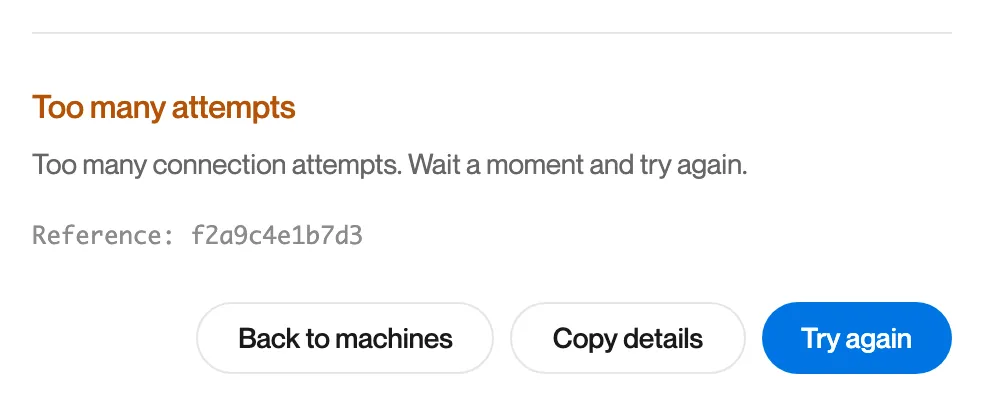
What it means
Connections were started too quickly one after another.
What to do
Wait a moment, then click Try again.