In-Session Messages
In-Session Messages: This Device's Network
These messages are about the computer or tablet you are using. Remotle checks this device’s own connection during the session, and reports it when that is the cause.
This device is offline
Section titled “This device is offline”What you see
Windows: “This device is offline…” with “Your stream will resume when this device’s connection is back.” in a box over the picture.
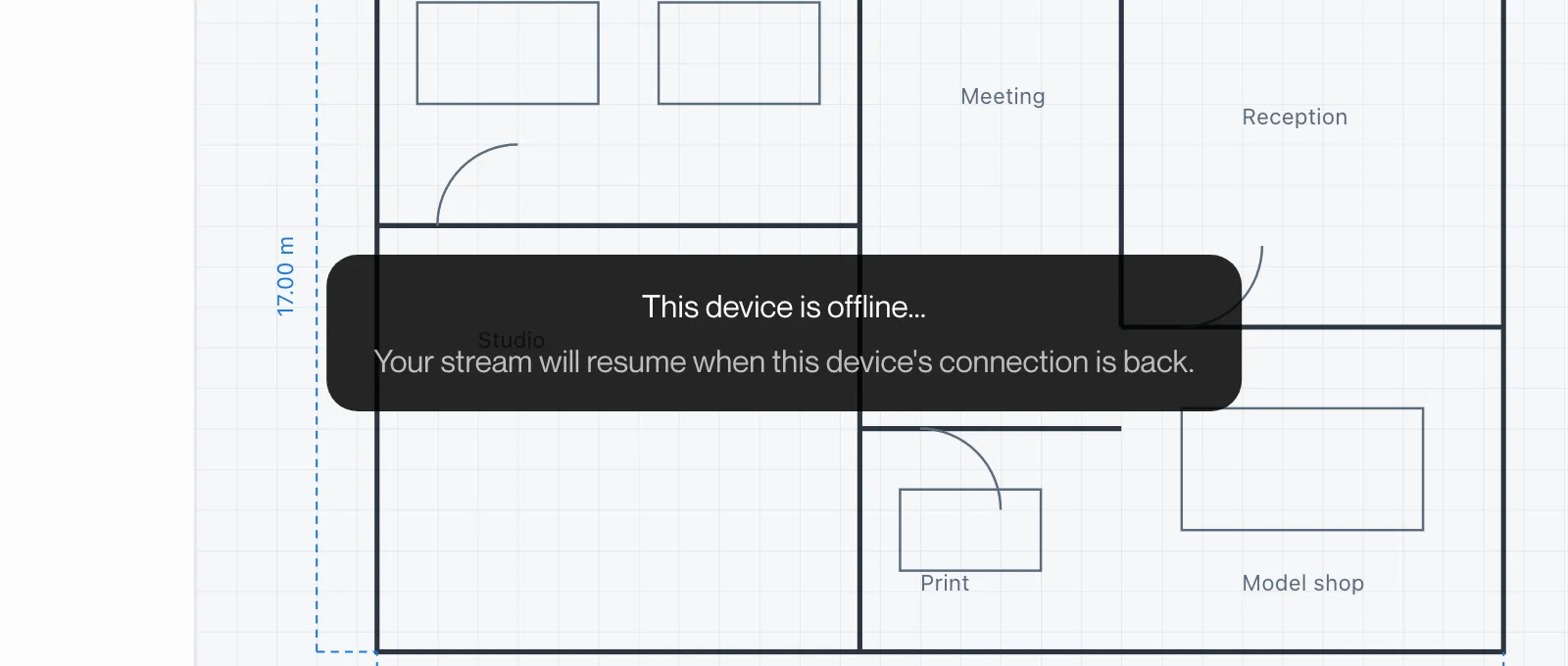
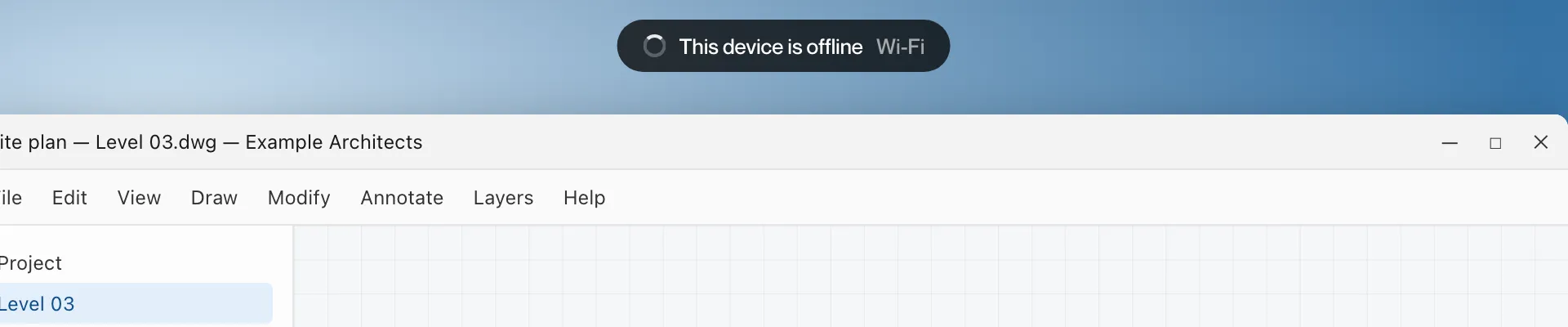
Mac and iPad: a pill at the top reading “This device is offline”.
What it means
The computer or tablet you are using has lost its internet connection. Remotle has established this from its own checks of this device. The workstation is unaffected.
What to do
- Check Wi-Fi or the network cable on this device.
- Wait. Remotle reconnects when the connection is back.
This device’s network connection dropped
Section titled “This device’s network connection dropped”What you see
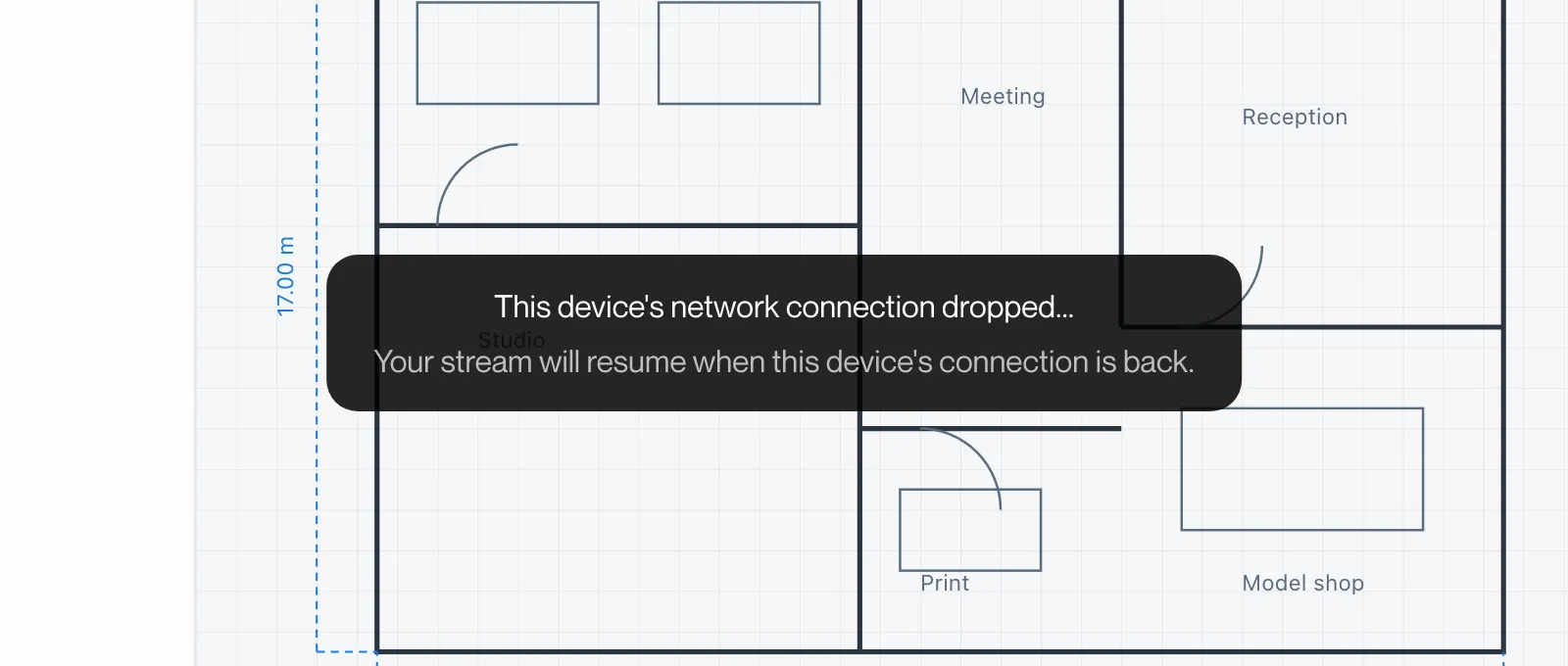
Windows: “This device’s network connection dropped…” with “Your stream will resume when this device’s connection is back.” in a box over the picture.
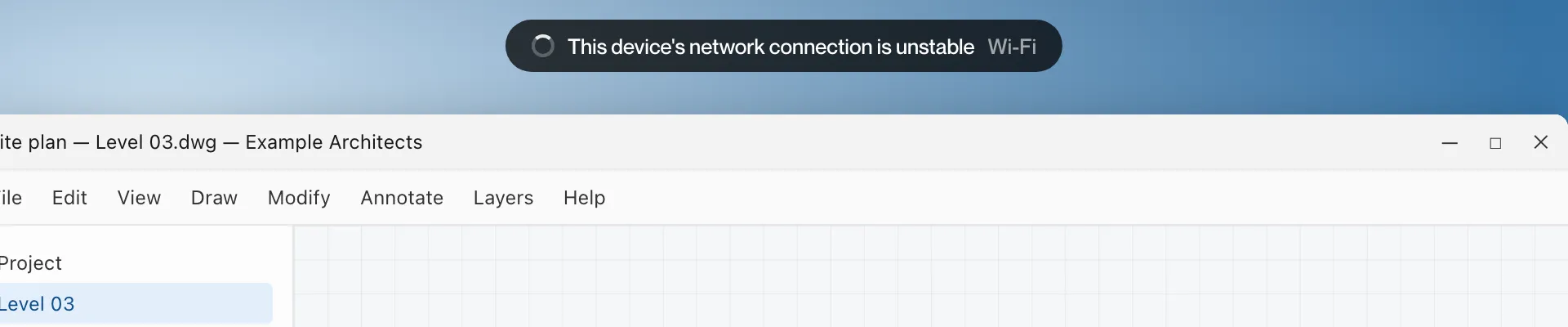
Mac and iPad: a pill at the top reading “This device’s network connection is unstable”.
What it means
This device’s connection is dropping data. The session may lag or reconnect until it recovers.
What to do
- Move closer to the Wi-Fi access point, or use a cable.
- Wait for the message to clear. Remotle resumes by itself.