Connection Messages
Connection Messages: Updates
These messages appear when the Remotle on this device is older than the workstation or Computle needs, or when the update check cannot complete.
Update required
Section titled “Update required”What you see
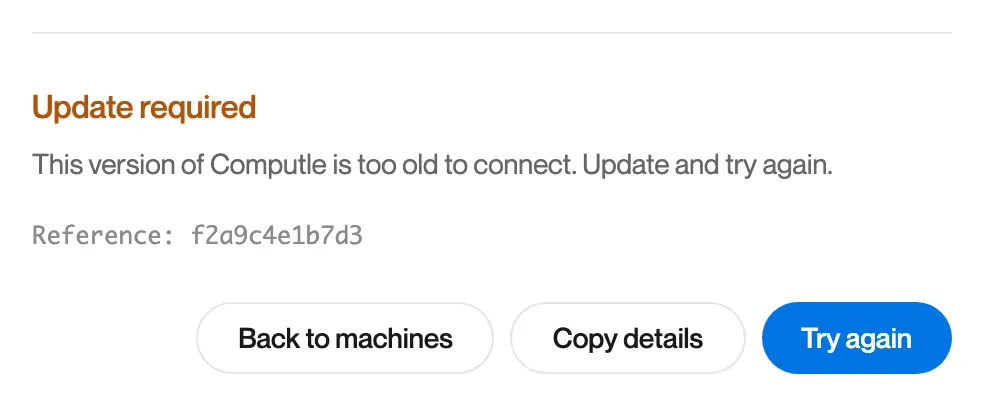
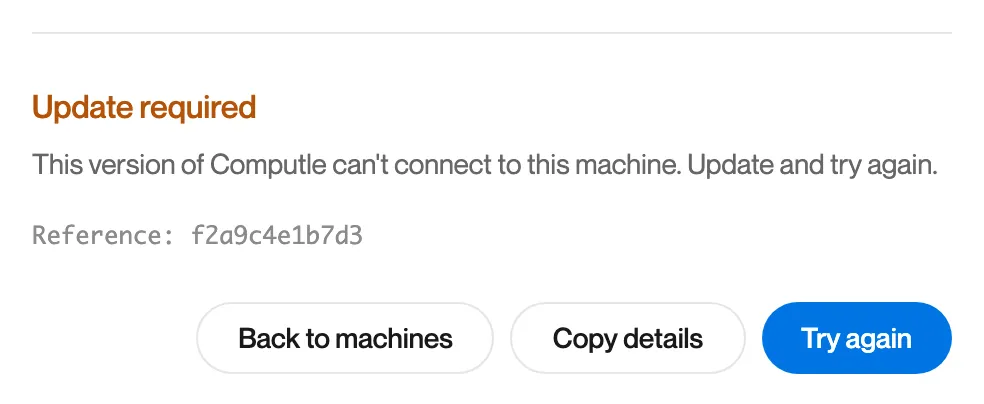
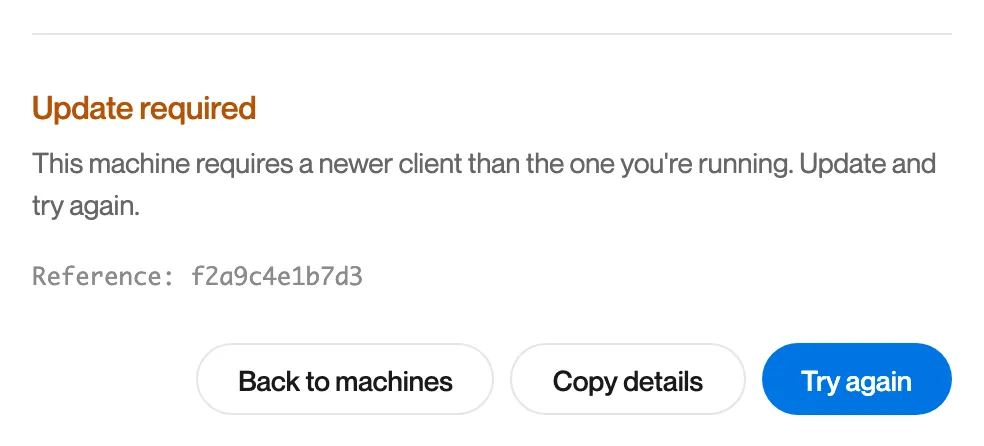
One of three messages, all titled “Update required”:
| Message | When |
|---|---|
| “This version of Computle is too old to connect. Update and try again.” | Your Remotle is older than the oldest version Computle accepts. |
| “This version of Computle can’t connect to this machine. Update and try again.” | Your organisation’s workstations need a newer Remotle. |
| “This machine requires a newer client than the one you’re running. Update and try again.” | This workstation needs a newer Remotle. |
What it means
The Remotle on this device is older than the workstation or Computle needs.
What to do
-
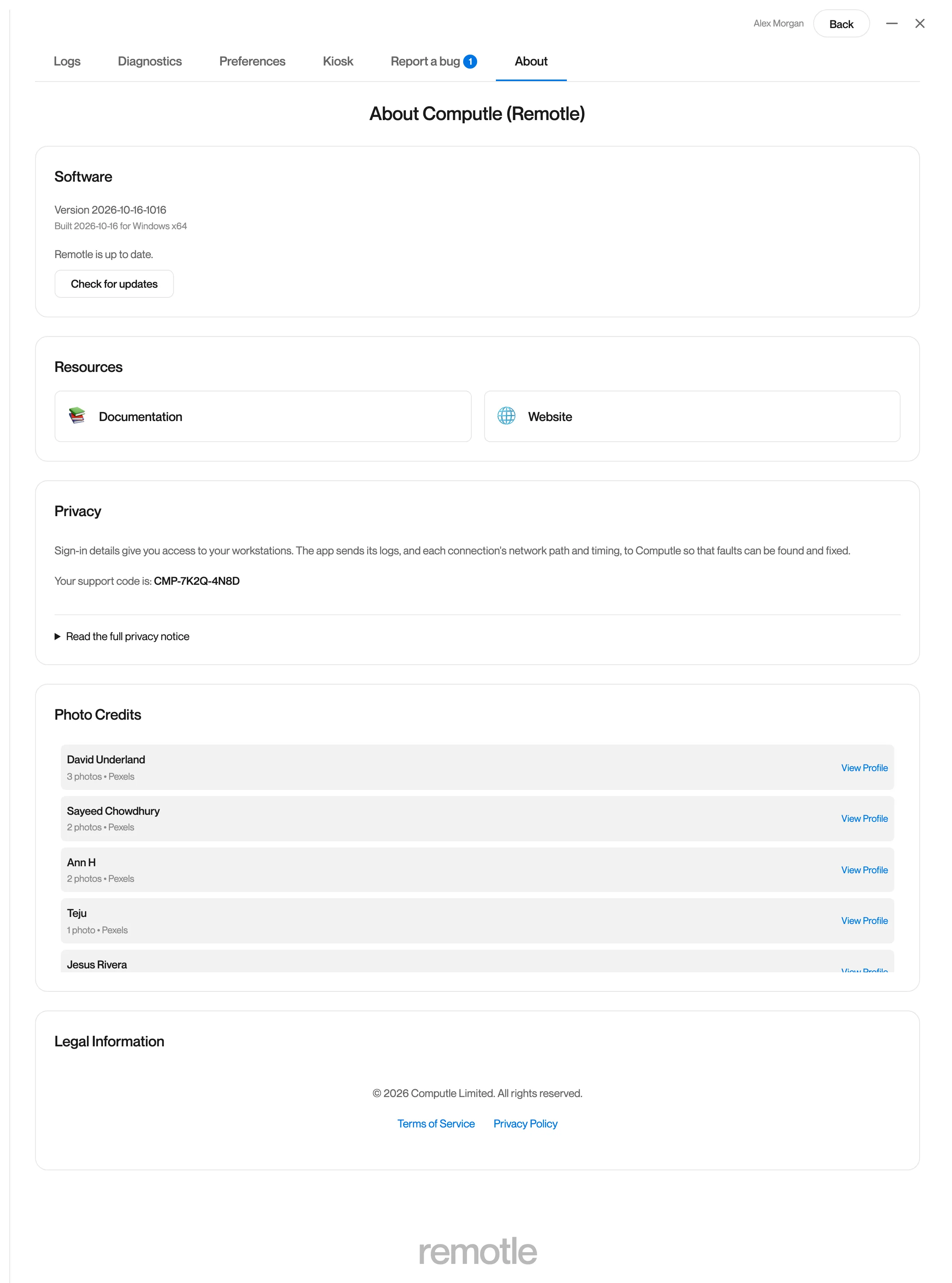
Open Settings, About and click Check for updates.
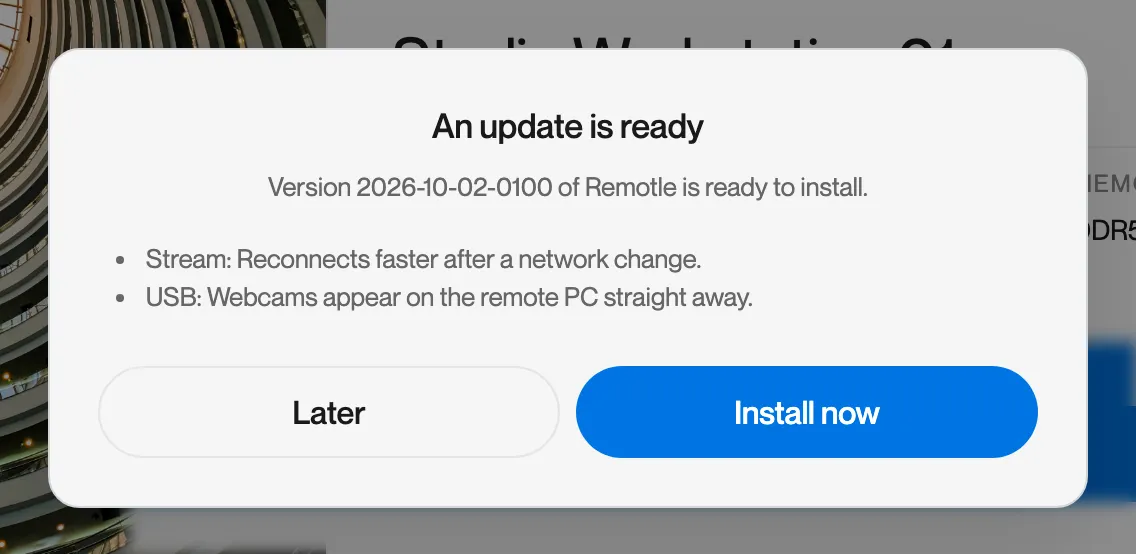
When an update is ready, Remotle lists what is new and offers Install now.
-
Click Install now. Remotle closes and opens again on the new version.
-
Connect again.
If About says “Remotle is up to date.” and the message continues, your administrator may need to update the workstation. See Updates and Host Updates.
The update service is not answering
Section titled “The update service is not answering”What you see
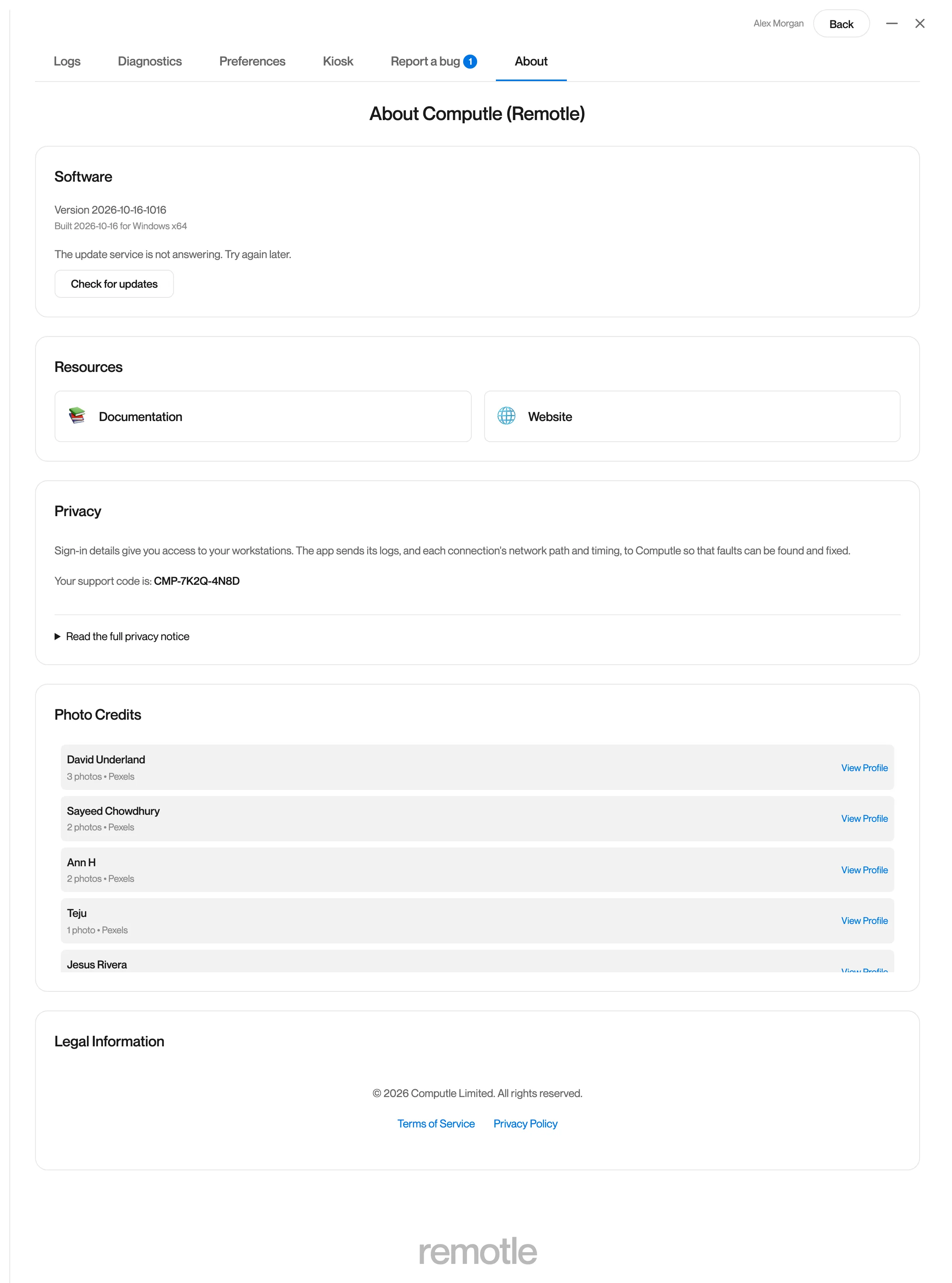
In Settings, About: “The update service is not answering. Try again later.” or “The update check did not complete.”
What it means
Remotle could not reach the update service from this device.
What to do
- Try again later.
- If it continues, run Diagnostics. The Updates row under Services shows whether this device can reach the update service.